After reading about PowerPoints for this week’s module, there were several important takeaways that I will remember for any future presentations that I make.
The most important suggestions that I’m going to remember are to keep my presentations simple and spend plenty of time practicing. I definitely go overboard with the information that I put on my slides, so in the future, I will remember to keep my slides simple with minimal bullet points in order to keep my audience engaged. Additionally, I will practice actually giving the presentation with the PowerPoint pulled up so I’ll know exactly what I’m saying and when I’m saying it.
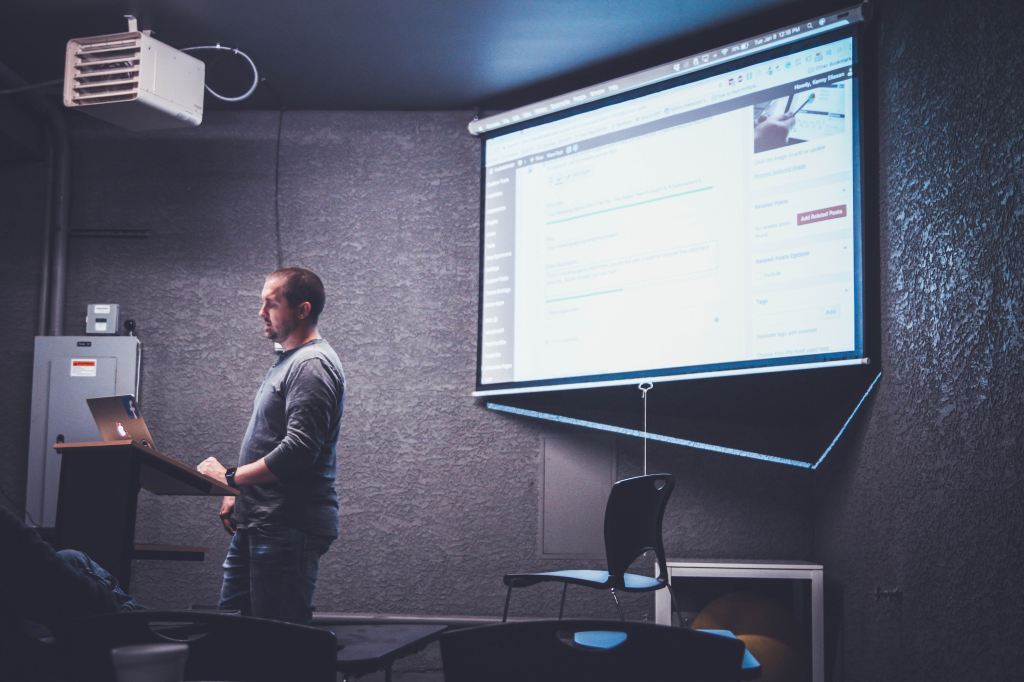
One thing that I learned about PowerPoint that I didn’t already know is that it was originally called “Presenter”specifically designed for Apple’s MacIntosh computers in 1984-85.
Yes – I have used PowerPoint to give a presentation before and I cannot say that my experience was neither great nor awful. I remember trying to be as engaging as I possibly could, but I also remember my presentation lacking a lot of character and excitement. I definitely would have followed more PowerPoint rules about adding more of my own personal style instead of using the same templates that the software provides.
I enjoyed creating my Museum Kiosk assignment on Google Slides because I had a lot of creative freedom to express my topic. I also really enjoy using Google Slides because it is very straightforward and user friendly. I got to personalize my presentation and add transitions with ease.
I hope you enjoy my Museum Kiosk on the benefits of yoga being implemented in elementary school classrooms!
 Technology for an Aspiring Educator